
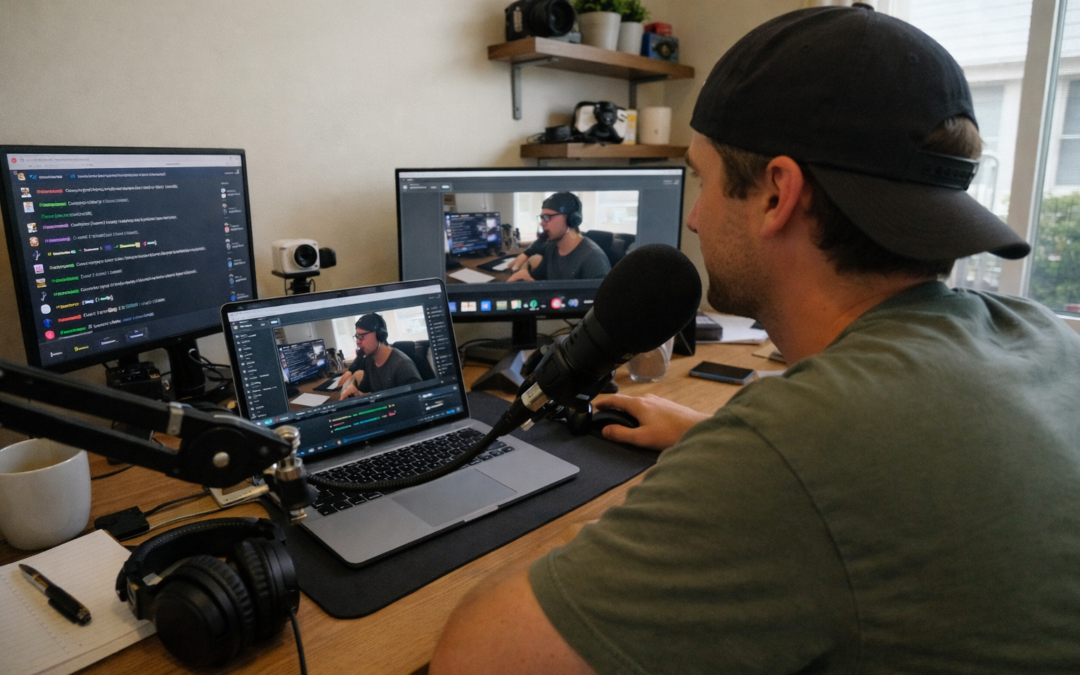
Top 10 Free Streaming Tools (Live Video, Audio & Multistreaming)
Live streaming no longer requires expensive software or complex setups. Whether you’re a creator, podcaster, educator, gamer, or business owner, there are powerful free streaming tools that let you broadcast live, record content, and grow an audience without paying upfront.
Below are the top 10 free streaming tools you can use right now—ranked for reliability, features, and real-world usefulness.
1. OBS Studio
Best overall free streaming software
OBS Studio is the gold standard for free streaming. It’s open-source, endlessly customizable, and trusted by professionals worldwide.
Key features
-
Live stream + record
-
Scene switching & overlays
-
Works with Twitch, YouTube, Facebook, RTMP
-
No watermark, no limits
Best for: Serious creators, YouTubers, Twitch streamers
Free plan: 100% free forever
2. Streamlabs
Best for beginner streamers
Streamlabs builds on OBS with a simpler interface and built-in alerts, chat, and widgets.
Key features
-
One-click streaming
-
Alerts & overlays
-
Built-in chat tools
Best for: Gamers, new streamers
Free plan: Core features free (paid upgrades optional)
3. Restream
Best free multistreaming tool
Restream lets you broadcast to multiple platforms at once from a single stream.
Key features
-
Stream to YouTube, Twitch, Facebook, LinkedIn
-
Unified chat
-
Browser-based or OBS compatible
Best for: Businesses & creators growing reach
Free plan: Multistreaming included
4. StreamYard
Best browser-based streaming studio
StreamYard runs entirely in your browser—no downloads required.
Key features
-
Invite guests by link
-
On-screen branding & banners
-
Multistream support
Best for: Interviews, podcasts, live shows
Free plan: Includes watermark
5. YouTube Live
Best built-in platform streaming
YouTube Live is free and gives access to a massive built-in audience.
Key features
-
Unlimited viewers
-
Live chat & replays
-
Works with OBS or directly in browser
Best for: Public events, Q&A sessions
Free plan: Free with account verification
6. Twitch Studio
Best for Twitch-only creators
Twitch Studio is Twitch’s official beginner streaming app.
Key features
-
Easy setup wizard
-
Built-in alerts
-
Optimized for Twitch
Best for: New Twitch streamers
Free plan: Fully free
7. VDO.Ninja
Best for remote guests (no login)
Formerly OBS Ninja, VDO.Ninja allows ultra-low-latency video sharing via browser links.
Key features
-
No signup required
-
Guest links
-
Works with OBS
Best for: Podcasts, interviews
Free plan: Free forever
8. Audacity
Best free audio streaming companion
Audacity isn’t a live video streamer, but it’s essential for audio recording and cleanup.
Key features
-
Audio recording & editing
-
Noise reduction
-
Plugin support
Best for: Podcasters, audio streamers
Free plan: 100% free
9. Melon
Best StreamYard alternative
Melon offers browser-based live streaming with overlays and guest support.
Key features
-
Easy UI
-
Guest invites
-
Multistreaming
Best for: Quick social streams
Free plan: Includes watermark
10. StreamElements
Best free streaming add-ons
StreamElements enhances streams with alerts, chat bots, and overlays.
Key features
-
Free widgets
-
Loyalty systems
-
Works with OBS & Streamlabs
Best for: Engagement & monetization
Free plan: Free core tools
How to Choose the Right Free Streaming Tool
-
Beginners: Streamlabs, Twitch Studio, StreamYard
-
Advanced creators: OBS Studio + VDO.Ninja
-
Multistreaming: Restream
-
Podcasting: StreamYard + Audacity
-
No login / privacy: VDO.Ninja
Why Free Streaming Tools Are Exploding
-
Platforms want creators
-
Open-source software keeps improving
-
Hardware is cheaper
-
Live content outperforms pre-recorded video
Free tools now rival paid software from just a few years ago.
Final Takeaway
You don’t need expensive software to go live. With the tools above, anyone can stream professionally—for free.
For creators, educators, and businesses, streaming is no longer optional—and cost is no longer an excuse.